The 5 Best Voice-Activated Phones for Seniors

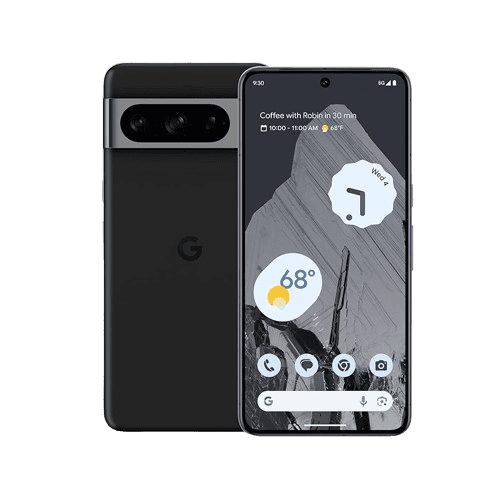
Smartphones present steep learning curves for the uninitiated, but most now feature voice commands that make it easier than ever to operate your phone. Even some flip phones now have voice-activated features.
With a voice-activated phone, you can make calls, dictate text messages, and access other features of your phone solely with your voice. Our experts hand-selected the following five phones as the best options for seniors.
Pro Tip: The five phones on this list are useless without a cellular provider. To learn which ones offer cellular service from $10 per month, check out our rundown of the best phone plans for seniors.
The 5 Best Voice-Activated Phones for Seniors in 2026
- Jitterbug Flip2 : Best Flip Phone
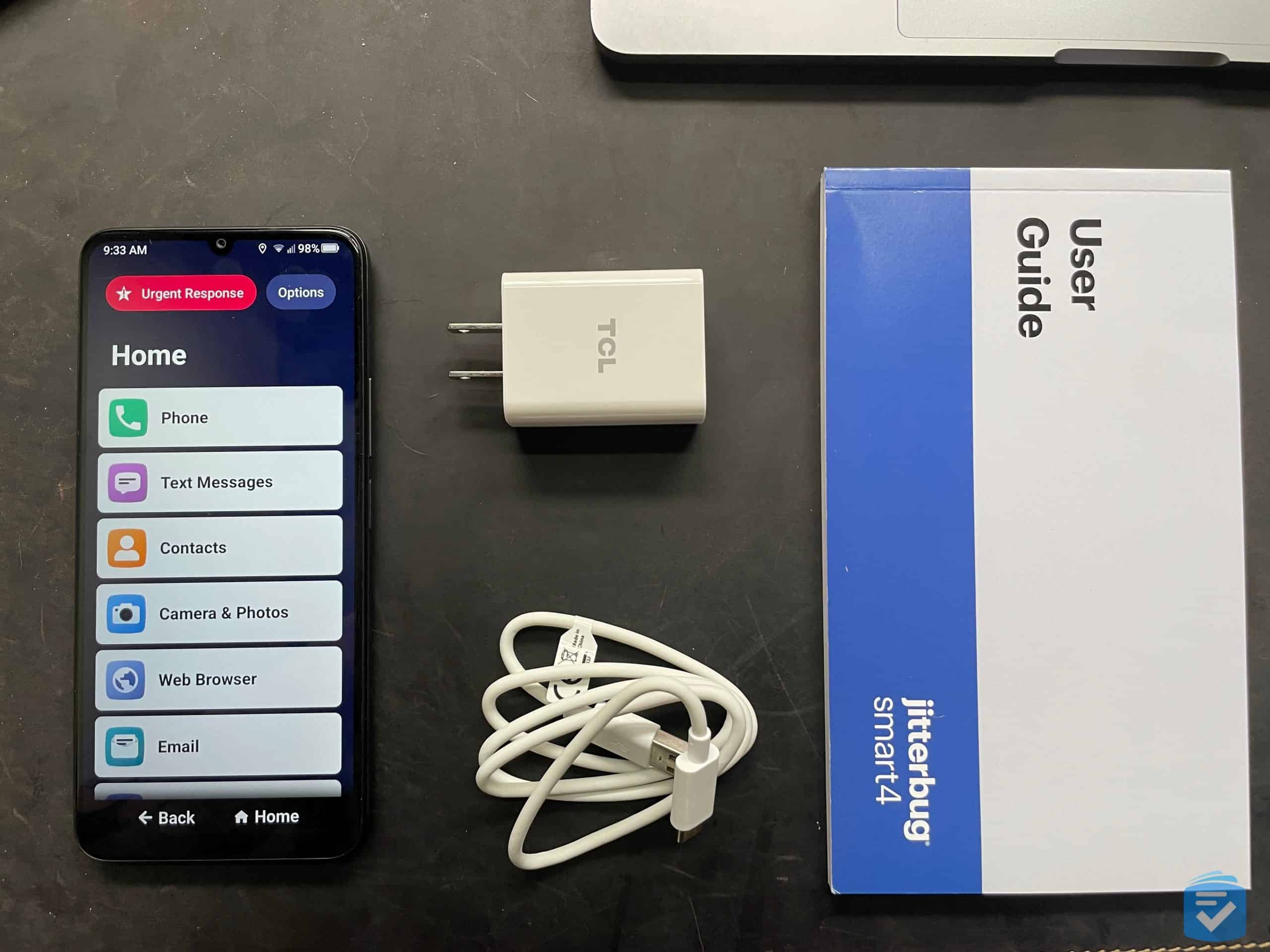
- Jitterbug Smart4 : Best Safety Features
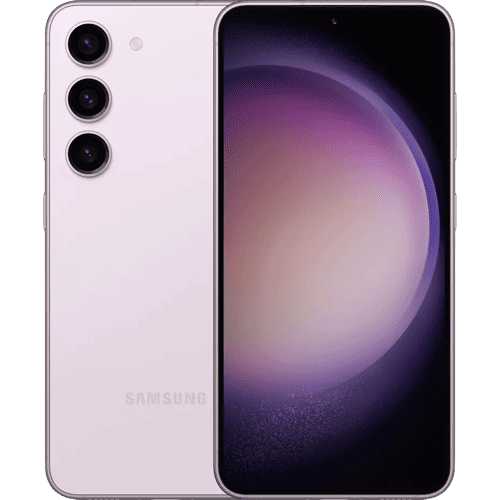
- Google Pixel 10a : Best Android
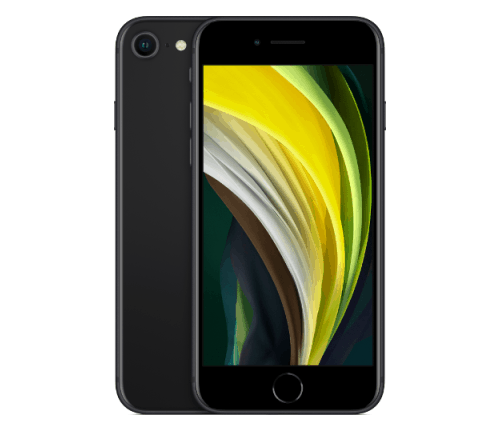
- iPhone 17 Pro : Best iPhone
| Cost of Device | Carrier | Where to Buy | |
|---|---|---|---|
| Jitterbug Flip2 | $39.99* | Lively | Lively |
| Jitterbug Smart4 | $47.99* | Lively | Lively |
| Google Pixel 10a | From $499 | Multiple | Google Store |
| iPhone 17 Pro | From $1,099 | Multiple | Apple |
*Regular $79.99. Promotion ends 4/4/26
**Regular $119.99. Promotion ends 4/4/26
What Is a Voice-Activated Phone?
Simply put, a voice-activated phone is one that has features you can use through voice commands. The features may include:
- Making phone calls
- Dictating and sending text messages
- Placing video calls
- Checking the weather
- Finding directions
- Searching the web
- Opening apps
- Setting reminders and alarms
- Reading and responding to emails
- Controlling smart home devices
A voice-activated phone can help users of any age use their smartphones more conveniently.
How We Chose Our Favorites
In composing this list, we evaluated over 30 cell phones on the following criteria.
- Voice commands: We compared the phones based on the variety of commands they offered and how useful we felt those features would be in improving daily life.
- Call quality: At the end of the day, your phone still needs to make calls. Call quality and the strength of the hardware overall also factored into our list.
- Ease of use: The point of seeking out voice-activated features is to improve the convenience of your smartphone, so ease of use was a major aspect of our research.
- Accessibility features: Accessibility includes features that cater to people who are hard of hearing and seeing, as well as those with little technology experience. We took into account not only the features of each phone, but also how accessible they would be to the average user.
Jitterbug Flip2 - Best Flip Phone
855-403-6340
What We Like Most:
- Simple flip design
- Low price
- Medical alert functions
- Alexa voice assistant
Overview
Cost: $39.99* (regular $79.99) from Lively
*Ends 4/4/26
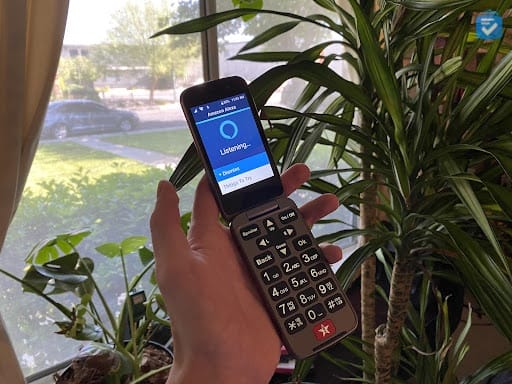
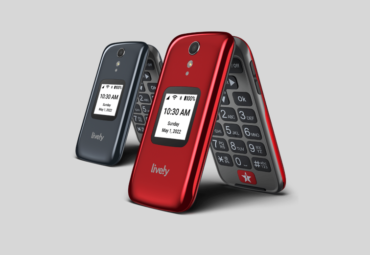
Sometimes you don’t need all the bells and whistles of a fancy iPhone or Android, but you still want a voice assistant. Fortunately, there is a phone that combines a voice assistant — Amazon’s Alexa — with a familiar and tactile design: the Flip2 from Jitterbug.
Standout Features
The Jitterbug Flip2’s medical features really stand out. To get connected to a 24/7 monitoring center, we could press the big, red Urgent Response button beneath the keyboard. We were shocked that with the Flip2, we got not only those medical features, but also a voice assistant: Alexa. Say her name!
Amazon’s voice assistant is built into the Flip2, so we could ask Alexa to make calls, dictate text messages, or look up information. When we asked it for the weather, for example, it presented us with a daily forecast. No other devices are required to talk to Alexa, since it’s integrated right into the Flip2.
Plans
| Cost | Talk and Text* | Special Features | |
|---|---|---|---|
| Flip Phone Plan Basic | $19.99/month $14.99/month with paperless billing discount |
300 minutes and 300 texts |
|
| Flip Phone Plan Preferred | $39.99/month $34.99/month with paperless billing discount |
300 minutes and 300 texts |
|
| Flip Phone Plan Premium | $49.99/month $44.99/month with paperless billing discount |
300 minutes and 300 texts |
|
*Add unlimited talk and text to your plan for $5/month.
Drawbacks
The Flip2 is a flip phone, so it lacks advanced features such as video chatting, streaming movies, and paying with the tap of your phone. The phone is ideal for someone who wants to use their phone only for talking and texting, but it’s not a good choice if you want a smartphone with more capabilities. Fortunately, every other phone on this list falls into that category.
Our Verdict
The Jitterbug Flip2 has a unique offering for an affordable price: an Alexa integration, tactile buttons, and medical help in case of emergencies. To learn more about the phone, read our Jitterbug Flip2 review.
Pros
- Budget price
- Medical alert features
- Alexa integration
- Accessible design
Cons
- No high-speed data
- No video chatting, streaming, and other smartphone features
Jitterbug Smart4 - Best Flip Phone
855-403-6340
What We Like Most:
- Affordable price
- M3/T4 hearing-aid compatibility
- 6.7-inch screen
- Google Assistant integration
Overview
Cost: $47.99 from Lively*
*Regular $119.99. Promotion ends 4/4/26
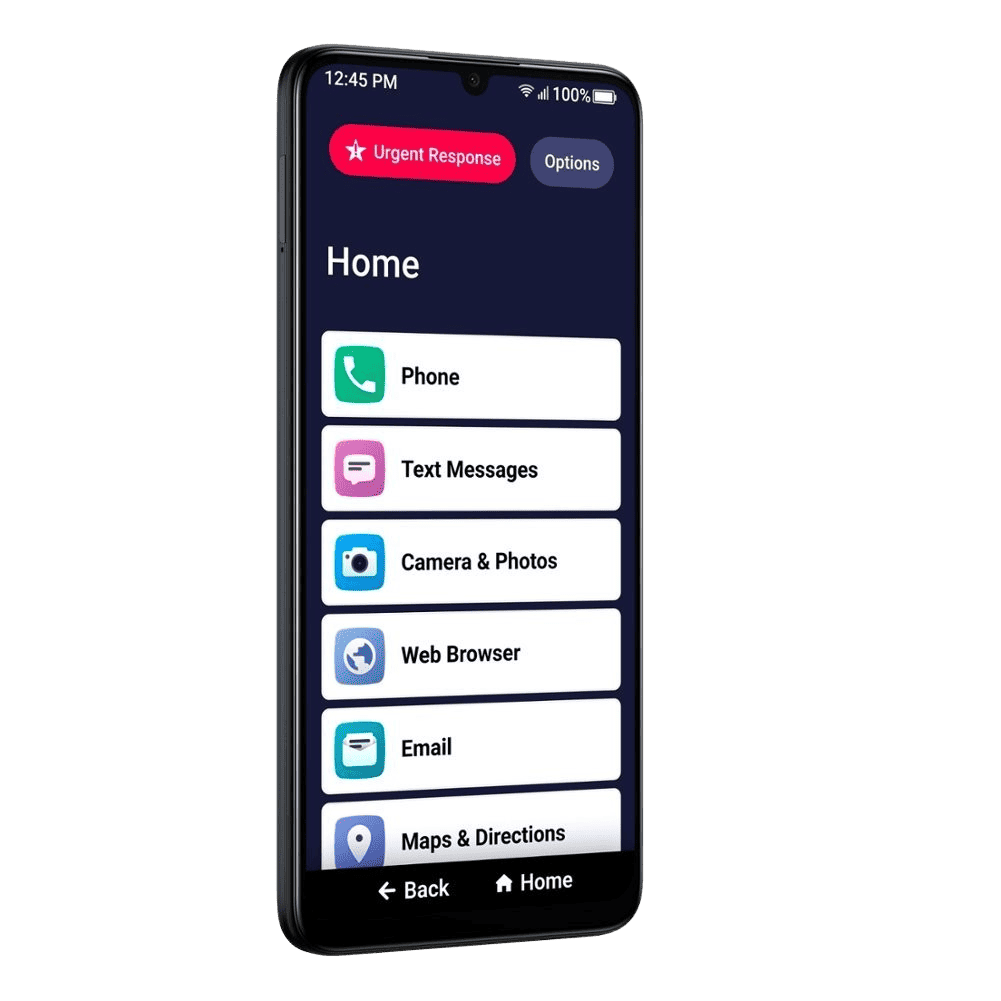
The Jitterbug Smart4 combines the medical and safety features of the Flip2 with the high-speed data of a smartphone.
Standout Features
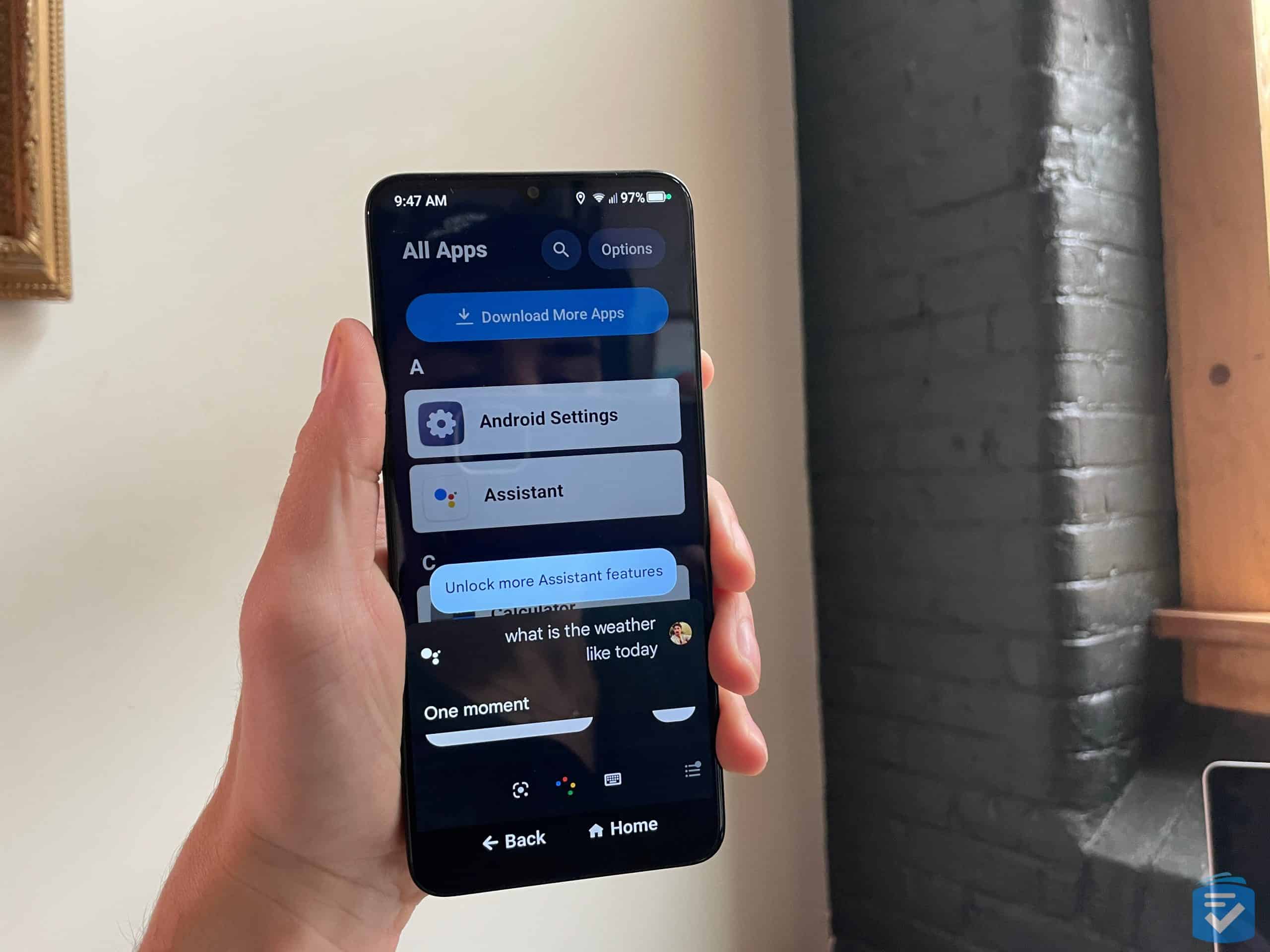
Instead of using Alexa, like the Jitterbug Flip2 does, the Jitterbug Smart4 comes with Google Assistant. When we said either, “OK Google,” or, “Hey Google,” we could have Google Assistant call people, answer our questions, or open apps. We asked if it was going to rain, for example, and Google Assistant said it was, so we packed an umbrella. Because the Jitterbug Smart4 is an Android, we had access to every app in the Google Play store and all the Google Assistant capabilities.
Aside from Google Assistant, what we appreciated most about the Jitterbug Smart4 was its smartphone capabilities, which the Flip2 lacks. We used it to browse the web, check our email, and video chat with friends and family. We could also type using our voices and navigate through map apps, blowing the Flip2’s capabilities out of the water.
Plans
| Cost | Data* | Talk and Text | Special Features | |
|---|---|---|---|---|
| Smart Phone & SIM Basic | $24.99/month $19.99/month with paperless billing discount |
1GB | Unlimited |
|
| Smart Phone & SIM Preferred | $44.99/month $39.99/month with paperless billing discount |
1GB | Unlimited |
|
| Smart Phone & SIM Premium | $54.99/month $49.99/month with paperless billing discount |
1GB | Unlimited |
|
*Add 5GB Data for $5/month, 10GB Data for $15/month, and Unlimited Data for $30/month.
Drawbacks
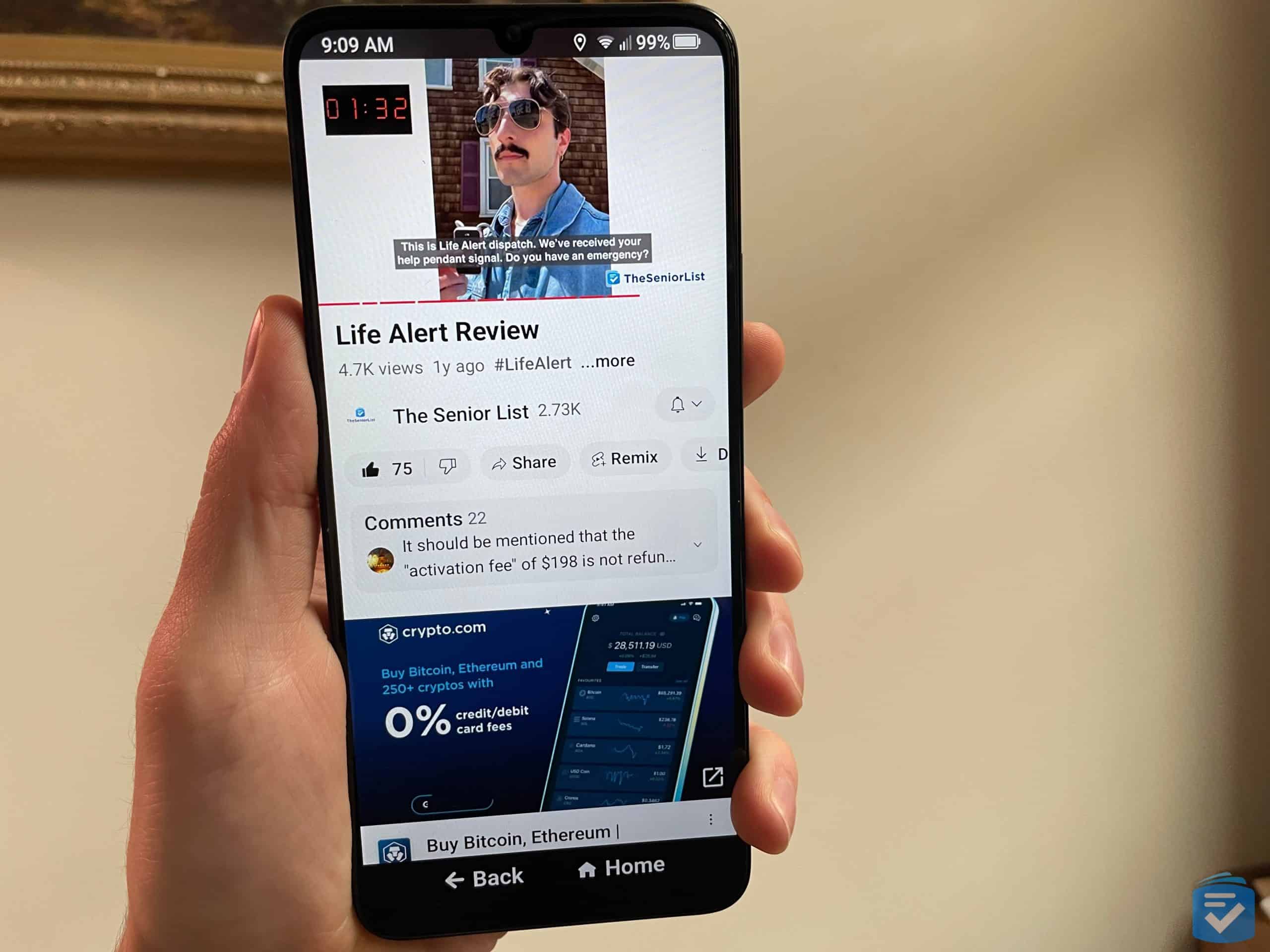
If you go over your monthly data limit — assuming you don’t have an unlimited plan — Lively will charge you overages of $0.35 per minute of talk time, $0.10 per MB of data, and $0.10 per text. The amounts may seem small, but they can add up pretty quickly if you’re not careful. A phone from Consumer Cellular, such as the iPhone SE, in contrast, will simply upgrade you to the next subscription level if you go over your allotted data in a month. That may or may not be cheaper, depending on your usage.
Our Verdict
If you want to combine medical features, a voice assistant, and a smartphone, the Jitterbug Smart4 is an obvious choice. To learn more about the phone, read our full Jitterbug Smart4 review.
Pros
- Urgent Response button
- Google Assistant integration
- Video chatting, web browsing, and navigating
- Compatible with M3/T4 hearing aids
Cons
- Expensive overage charges
- Low storage capacity
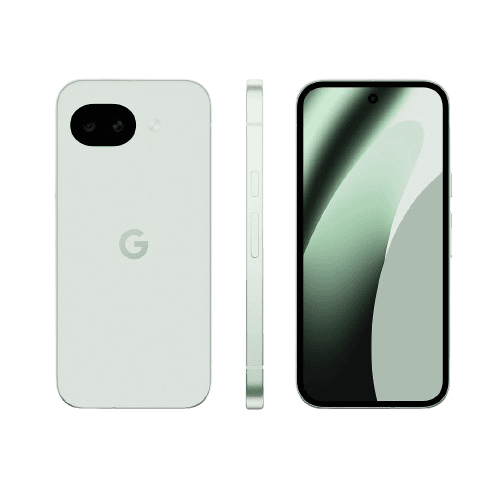
Google Pixel 10a - Best Android
What We Like Most:
- Google Assistant
- AI features
- Google Play store access
- 6.3-inch screen
Overview
Cost: Starting at $499 through the Google Store (prices may vary by retailer)
The Pixel 10a is the latest phone from Google, which means it has the most advanced artificial intelligence capabilities of any phone we’ve tested. It’s a great choice if you’re already familiar with Androids but you want to be on the cutting edge when it comes to AI.
Standout Features
Before we get to the amazing AI, let’s talk about Google Assistant, Google’s version of Siri or Alexa. There’s very little we couldn’t do with Google Assistant. We used it to turn our smart lights on and off, wake us up in the morning, set timers while cooking, and tell us whether we needed a rain jacket. With an Android, you don’t need an additional Nest speaker or display, getting a two-for-one deal. There are Google Assistant integrations with nearly every brand — from Spotify to Twitter to Walmart — so the possibilities are nearly endless.
Beyond the voice assistant, the Pixel 10a has incredible AI features. We used AI to make our photos look better, translate live text into English, and search things by circling them. If you’re not tech savvy, the Circle to Search feature makes finding things online as easy as drawing a circle on a picture. Like your friend’s shoes? Just circle them and Google will send you a link to buy them for yourself!
Our Plan Recommendation
We recommend Mint Mobile because it offers discounts to adults ages 55 and older.
| 3 Month Cost* | 6 Month Cost | 12 Month Cost | Data** | Talk and Text | |
|---|---|---|---|---|---|
| 5GB/Month | $10/month | $20/month | $15/month | 5GB | Unlimited |
| 15GB/Month | $20/month | $25/month | $20/month | 15GB | Unlimited |
| 20GB/Month | $25/month | $35/month | $25/month | 20GB | Unlimited |
| Unlimited** and Mint 55 | $15/month | $15/month | $15/month | Unlimited | Unlimited |
*Once the 3 months on your New Customer Offer ends, you can renew with a 3, 6, or 12-month plan to keep saving.
**New customers receive 50% off Unlimited plans for a limited time.
For more information, read about Mint Mobile’s senior plans.
Drawbacks
With its $449 price tag, the Pixel 10a is one of the more expensive phones on this list. That said, its features might make it worth this high cost. For a more affordable Android, check out the $120 Jitterbug Smart4.
Our Verdict
It’s pricey, but for an Android enthusiast who’s excited to try the latest tech, the Pixel 10a is a steal.
Pros
- AI capabilities
- Google Assistant voice commands
- 48 MP camera
- M3/T4 hearing-aid compatibility
Cons
- Expensive
- Storage capacity is only 128 GB
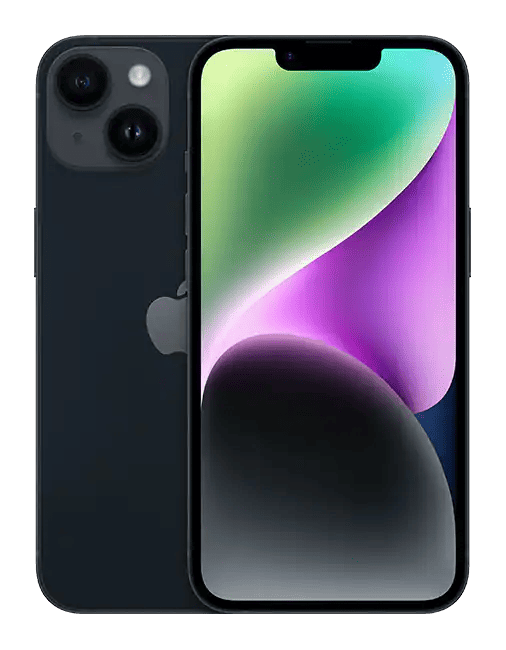
iPhone 17 Pro - Best iPhone
844-580-0512
What We Like Most:
- Siri voice commands
- Face ID
- Apple Intelligence features
- Waterproof and dust-tight
- M3/T4 hearing-aid compatibility
Overview
Cost: Starting at $1,099 through Apple
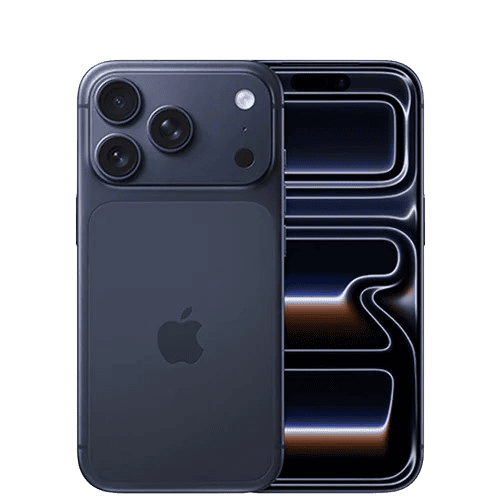
The iPhone 17 Pro is a happy medium if you’re willing to spend a bit more than the iPhone SE costs, but not as much as the latest iPhone, the iPhone 17 Pro. It has Siri, of course, but also Face ID, more durability, and improved battery life compared to past iPhone models.
Standout Features
The iPhone 17 Pro has Siri, which works the same way on all iOS devices. The device itself, however, is improved in several ways over the SE. It has Face ID, which was convenient when we didn’t want to take off our winter gloves for Touch ID. It also has an IP rating of 68 compared to the IP67 rating of the iPhone SE. What’s the difference? Both devices are dust-tight, which means they’re impervious to solids, but the iPhone 17 Pro can be immersed in water up to 6 meters deep for 30 minutes and still function normally, while the iPhone SE can be immersed in only 1 meter of water or less. That means if you go into the ocean with your iPhone 17 Pro in your bathing suit pocket, it’ll still work when you get back to tanning.
The iPhone 17 Pro has improved battery life, with up to 80 hours of audio playback, up to 20 hours of video playback, and up to 16 hours of streamed video playback. Compare that to the nine-hour maximum usage of the iPhone SE, and the iPhone 17 Pro is like the Energizer bunny.
Our Plan Recommendation
Cricket Wireless lacks plans for seniors specifically, but we recommend it due to its low prices.
| Cost* | Talk and Text | Data | |
|---|---|---|---|
| Sensible 10GB | $30/month | Unlimited | 10GB |
| Select Unlimited | $35/month | Unlimited | Unlimited |
| Smart Unlimited | $45/month | Unlimited | Unlimited |
| Supreme Unlimited | $55/month | Unlimited | Unlimited |
*Prices with Autopay discount applied
Our Verdict
If you want Siri, Face ID, and extreme durability, the iPhone 17 Pro is the iPhone for you.
Pros
- Siri capabilities
- Face ID
- IP68 rating
- Up to 80 hours of audio playback
Cons
- High price point
How Voice Commands Can Simplify a Phone
If you are visually impaired, looking at the screen of a smartphone may be difficult. Even pressing the buttons on a flip phone can be hard for some people. That's why voice commands through voice assistants such as Siri, Google Assistant, and Alexa can help you simplify your phone. Rather than typing on a screen or even on a physical keyboard, you can tell your voice assistant to make calls, send texts, get directions, or tell you the weather.
Asking a voice assistant to perform a task takes as much technical know-how as asking a person. Instead of dealing with an endless array of screens, menus, and tiny icons you can hardly see, you can simply activate Google Assistant by saying, for example, “Hey Google, open YouTube.” Voice assistants such as Siri, Google Assistant, and Alexa are constantly waiting for their “wake words,” the words you say before you command them. They're literally at your beck and call 24/7. In 2026, voice assistant technology has become even more intuitive, with improved natural language processing that better understands context and conversational speech. Voice assistants make phones accessible to everyone, no matter your abilities or prior knowledge.
Google Assistant vs. Siri Voice Commands
Android’s Google Assistant and iPhone’s Siri work similarly. Both let you control your phone using just your voice, listening for their wake words and then helping you out. If you want to know what the weather is, for example, you could ask your Android phone, “OK Google, what’s the weather?” or your iPhone, “Hey Siri, what’s the weather?” You’d get similar answers on both.
If you’re not sure which one to choose, we recommend trying phones in a Verizon, T-Mobile, or AT&T store. All those networks carry both iPhones and Androids, so you can see for yourself which one you prefer.
Bottom Line
With the omnipresence of screens in our lives, talking sometimes feels good — even if it’s to a virtual assistant. Especially if you have trouble seeing screens or even physical buttons, using Siri, Google Assistant, or Alexa could make technology more accessible. You’ll also spend less time staring at a screen!
Frequently Asked Questions
-
Do all smartphones have voice commands?
Most modern smartphones have voice commands. Phones with the Apple operating system, iOS, or the Android operating system come equipped with Siri and Google Assistant, respectively. As of 2026, virtually all smartphones released in the past few years include some form of voice assistant technology.
-
Are there any flip phones with voice commands?
There are some flip phones with voice commands, such as the Nokia 2720 V Flip. If you press the Google Assistant key on the left side of the phone, you can give commands such as “play music” and “redial,” or tell the phone to call a name or number.
-
How do voice commands work on phones?
Voice commands are constantly listening for their “wake word” — the word or phrase that will activate them to complete a task. For example, when you say, “Hey Google,” or “Alexa,” Google Assistant or Alexa will listen for the following command. They will then perform your desired action. If you say, “Hey Alexa, play ‘Yellow Submarine,’” for example, Alexa will hear its wake word and play “Yellow Submarine” from your preferred music player, whether it’s Apple Music, Spotify, or another application.