2026 Medical Alert System Guide: Read This Before You Buy


Key Takeaways
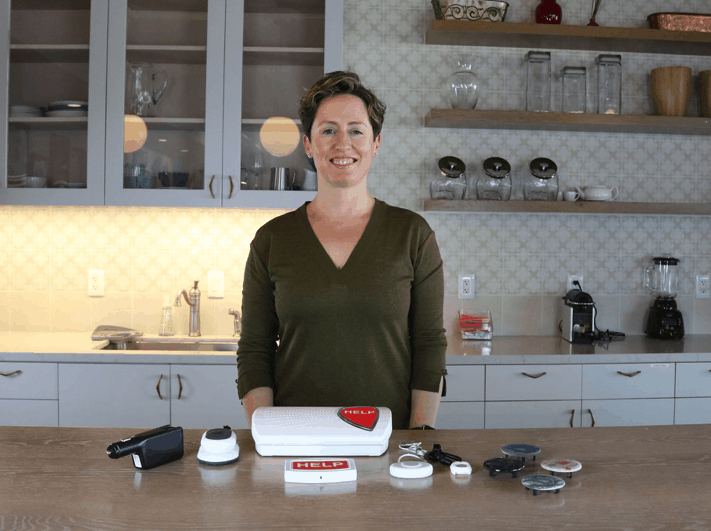
- Top overall pick: Bay Alarm Medical (4.8/5) offers reliable in-home and mobile systems starting at $27.95/month with no equipment fees and no long-term contracts.
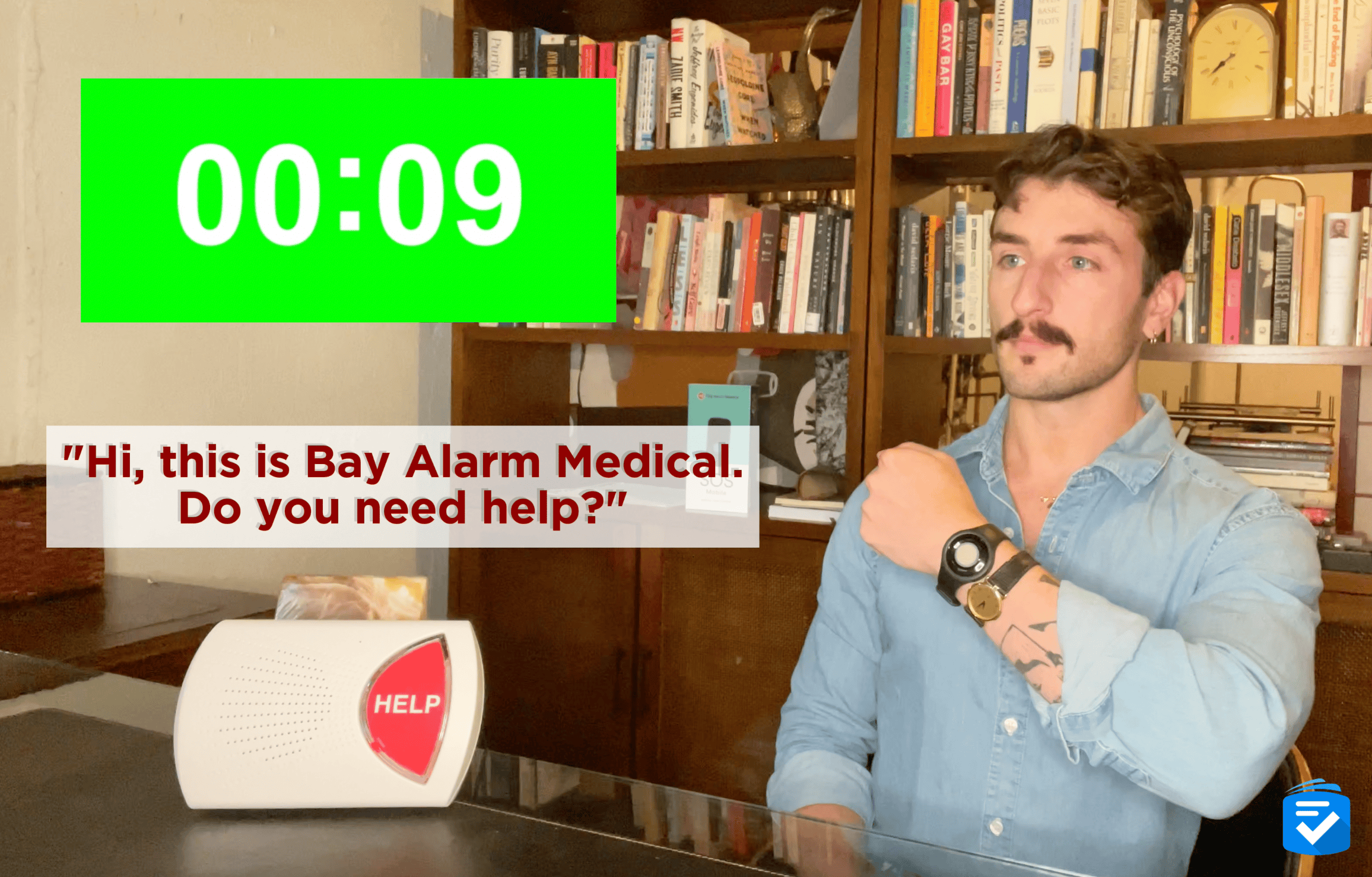
- Fastest response times: Medical Guardian averages 8 seconds per emergency call — the fastest of any provider we've tested — with systems starting at $27.95/month annually and equipment fees from $149.95.
- Most affordable option: MobileHelp and Lively both offer systems starting under $26/month, with Lively's Mobile2 available from $24.99/month and no long-term commitment required.
- Typical monthly cost: Most medical alert systems cost between $25 and $65 per month for professional monitoring, with one-time equipment fees ranging from $0 to $150 depending on the provider.
- Contract terms: None of our top-rated providers require long-term contracts; all allow month-to-month subscriptions with the option to cancel anytime.
- Medicare coverage: Original Medicare (Parts A and B) does not cover medical alert systems; some Medicare Advantage (Part C) plans may offer a partial benefit allowance.
- Fall detection: Available as an add-on with most top providers for $9.99–$15 per month extra; automatically triggers an emergency call if a fall is detected without requiring the user to press a button.
What Are Medical Alert Systems?
A medical alert system is a wearable or in-home device that connects users to a 24/7 emergency monitoring center at the push of a button or upon detecting a fall.
Medical alert systems, also known as personal emergency response systems (PERS), are most commonly worn by older or disabled individuals who may need to summon help following a fall or other life-threatening occurrence. This guide will tell you all you need to know about medical alert systems, including the types of devices, how they work, and how much they cost.
How Do Medical Alert Systems Work?
In their most basic form, medical alert systems provide a direct line of communication between a user and monitoring-center personnel. Monitoring-center agents can then contact appropriate help, such as neighbors, loved ones, and emergency responders. These lifesaving devices come in many shapes and sizes, but they all share a few standard features.
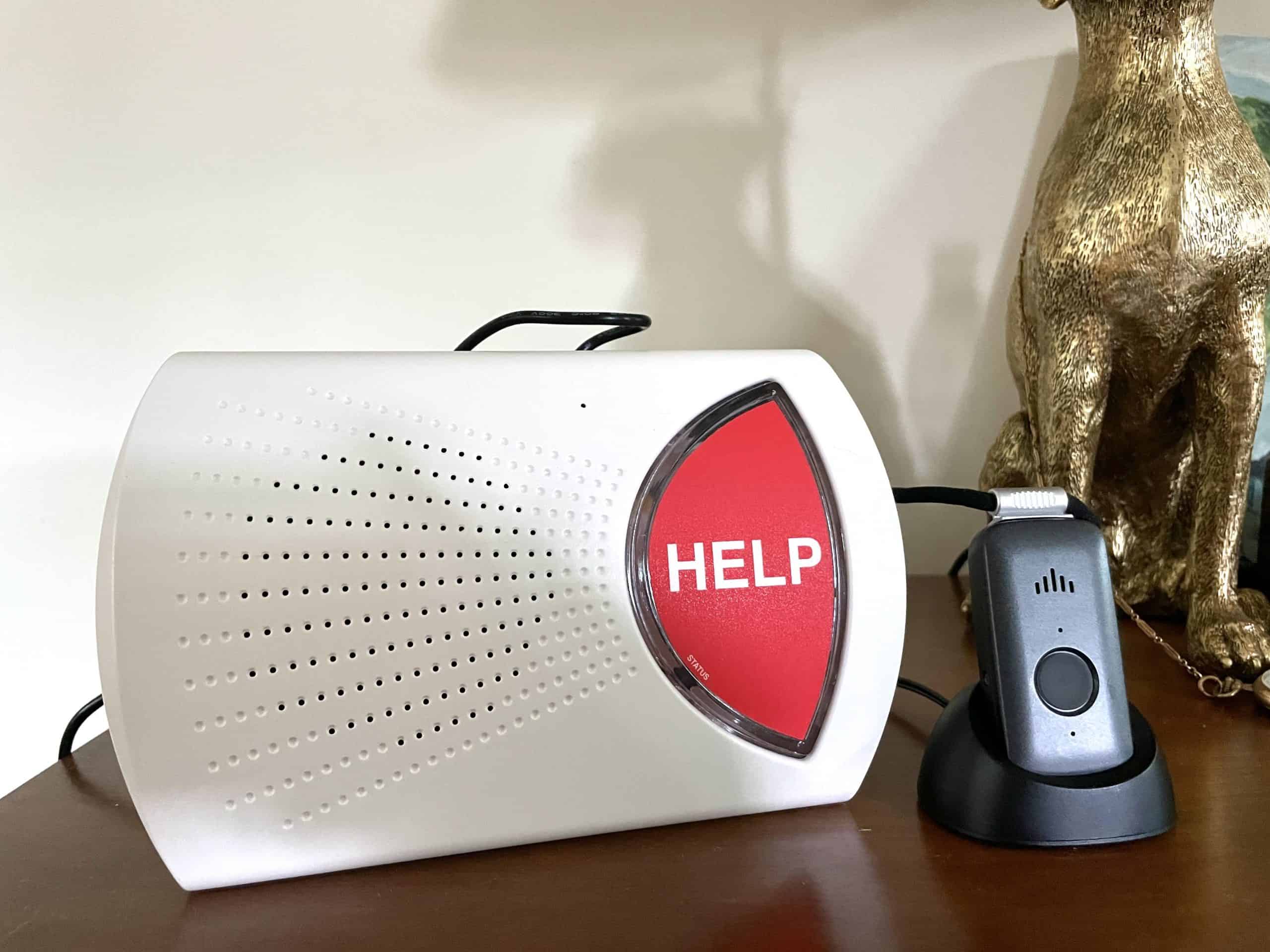
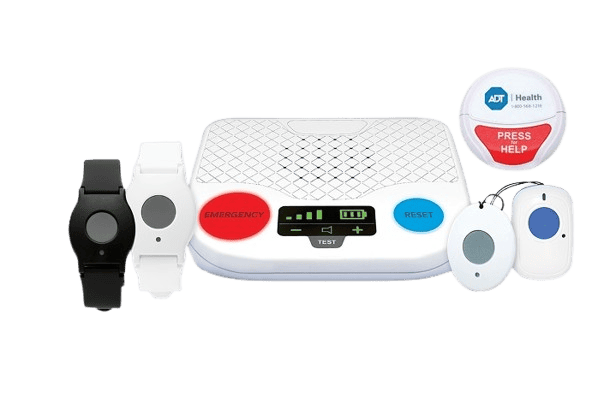
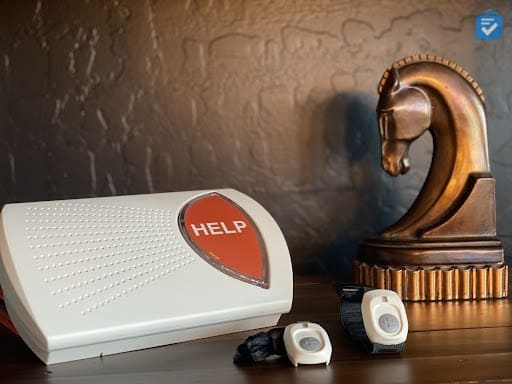
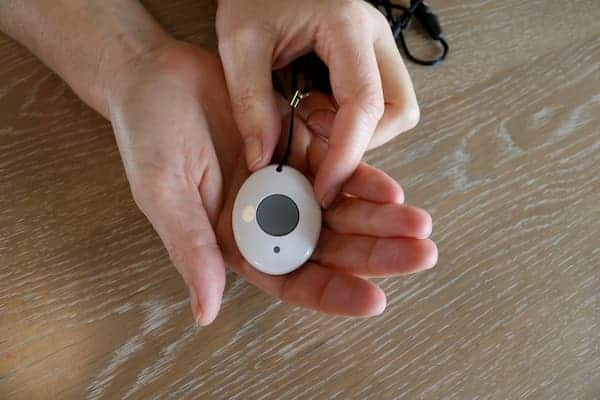
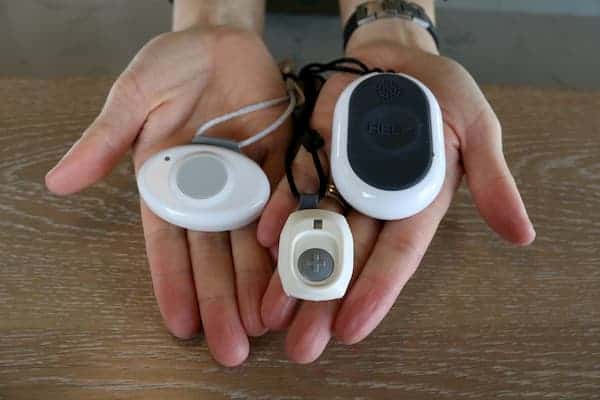
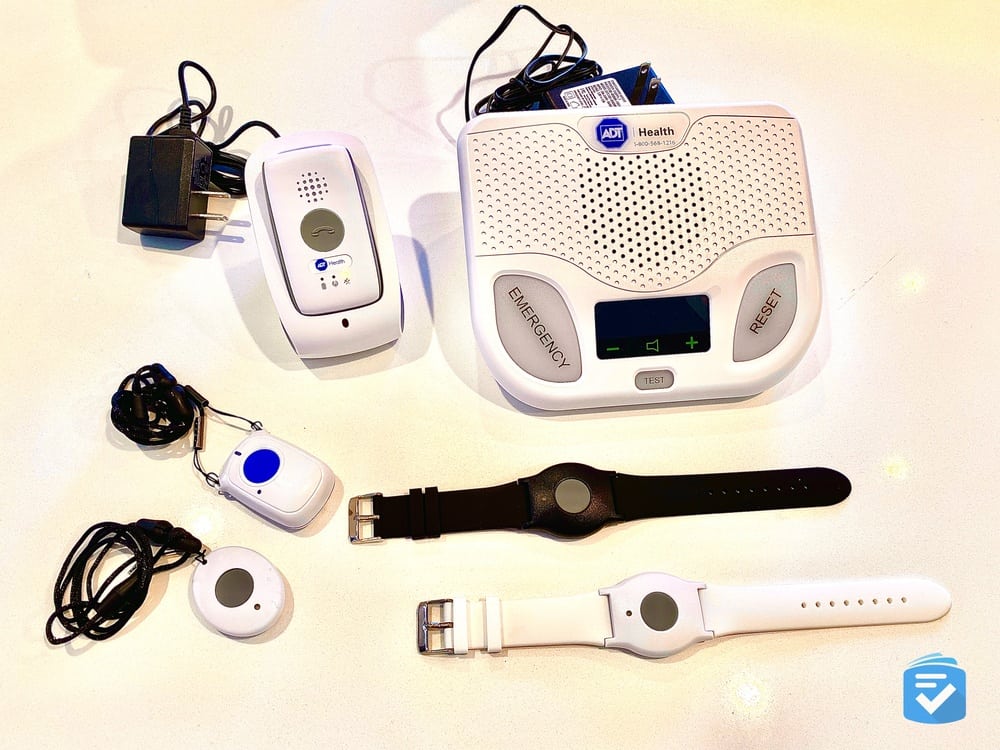
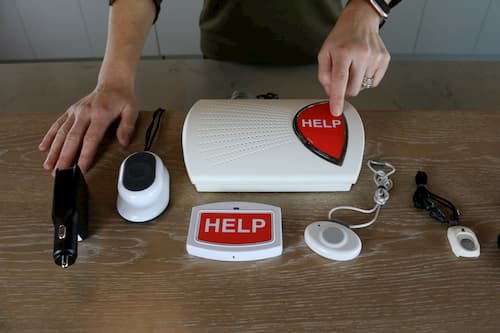
- Help buttons: Help buttons allow you to send a distress call to the monitoring center. They typically come as pendants or wristbands, but many systems have additional buttons that can be mounted on walls or other surfaces. Most wearable help buttons are water-resistant and can be worn in the bathroom, a frequent site of falls.
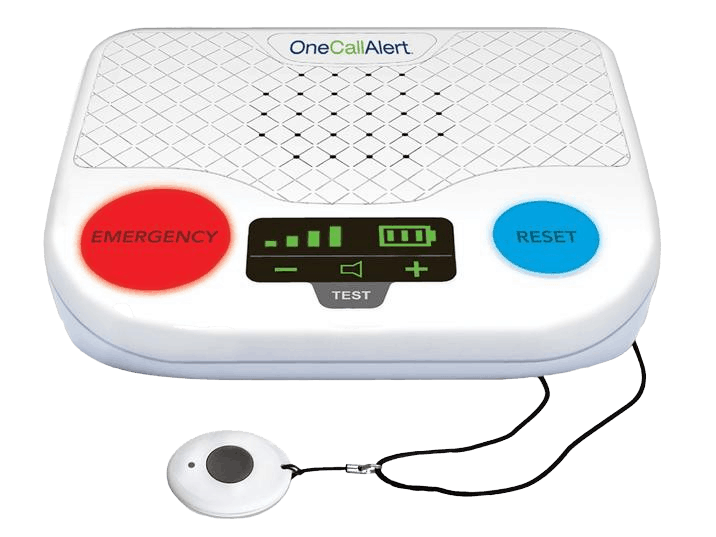
- Speakerphones: When you make a call, your system’s speakerphone allows you to communicate with monitoring agents. The speakerphone on an in-home medical alert system is usually on the base unit, which is placed in a central location of your home. The speakerphone and help button on a mobile system are often combined into one wearable device.
- Connection: Behind every medical alert system is the mechanism through which it sends distress calls. Most companies have systems that operate on either landline or cellular connections, but some new systems can place calls over Wi-Fi.
The value of medical alert systems lies in their simplicity. More than half of older adults own smartphones — which could be used to accomplish a similar function — but medical alert systems provide a more streamlined and efficient way to obtain help. Typing out a phone number can be difficult during a health emergency, especially for people with manual dexterity issues. Medical alert systems, however, require only one press of a button.
How Much Do Medical Alert Systems Cost?
Medical alert systems typically cost between $25 and $65 per month for professional monitoring, with potential one-time equipment fees ranging from $50 to $200 depending on the provider and device type. Basic in-home systems tend to fall at the lower end of that range, while GPS-enabled mobile systems and smartwatch-style devices generally cost more. Most top-rated providers do not require long-term contracts, and many offer discounts for paying annually rather than month-to-month.
Does medicare cover medical alert systems?
No, Original Medicare Parts A and B do not cover medical alert systems, but some Medicare Advantage (Part C) plans may offer partial coverage or an allowance toward the cost of a device or monthly subscription. Coverage varies widely by plan, so it is worth contacting your specific Medicare Advantage provider directly to confirm what benefits apply. Other potential sources of assistance include Medicaid waiver programs, state-funded senior care programs, and nonprofit organizations that serve low-income older adults.
Types of Medical Alert Systems
Despite a plethora of medical alert systems and manufacturers, we can break down medical alert systems into a few main categories.
- In-home medical alert systems protect users both in and around their homes. Through a combination of help buttons and a speakerphone-equipped base station, these systems allow you to connect quickly to monitoring agents. These systems generally are on the more affordable end of the spectrum.
- Mobile medical alert systems protect users outside their homes. Using a cellular connection, these systems can place emergency calls just about anywhere with good reception. Mobile systems often are equipped with GPS technology, allowing a call-center agent to relay your location to emergency responders.
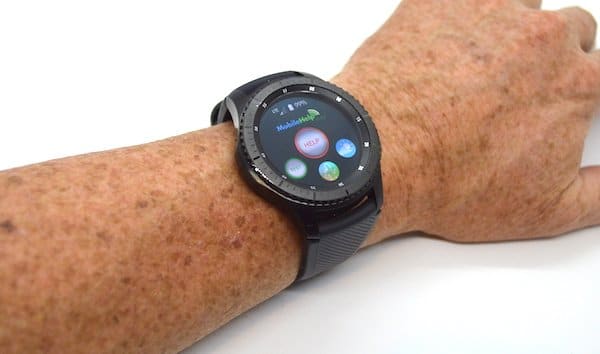
- Medical alert smartwatches take all the functions of an on-the-go system and compress them into the discreet profile of a watch. Some added features include weather reporting, text messaging, and health metrics such as heart-rate monitors and step counters.
- Bluetooth medical alert systems are relatively new technology. Through a wearable help button that pairs with your smartphone, Bluetooth medical alert systems allow you to quickly contact your caregivers and loved ones. These systems rarely include access to professional monitoring agents, but that also means you’ll have no monthly fees.
Our Top-Rated Devices
At TheSeniorList.com, our team of experts and caregivers has tested just about every medical alert device on the market. Through these tests, we've found that the following three brands consistently perform the best, offering users quick access to help at reasonable monthly prices.



Our Favorite Medical Alerts
It can be difficult to choose the right medical alert system. To start your search, check out our list to help you find the best medical alert system for your needs. Below are some of our favorite medical alert systems for all types of needs.
- Affordable Medical Alert Systems August 12, 2026
- Alternatives to Life Alert March 24, 2026
- Fall Detection Medical Alert Systems May 15, 2026
- GPS Medical Alert Systems May 28, 2026
- Medical Alerts for Blind People August 12, 2026
- Medical Alerts for Couples August 14, 2026
- Medical Alerts for People With Dementia August 12, 2026
- Medical Alerts for Disabled People August 12, 2026
- Medical Alert Bracelets August 12, 2026
- Medical Alerts for Hearing Impaired Seniors August 12, 2026
- Medical Alert Bracelets February 24, 2026
- Mobile Medical Alert Systems March 18, 2026
- Speakerphone Medical Alert Systems April 16, 2026
- Voice-Activated Medical Alert Systems March 22, 2025
Pro Tip: Bay Alarm Medical offers an in-car medical alert system that can track your location and send distress calls in the event of a crash — a great option for seniors who spend time on the road.
Medical Alert Systems at a Glance
| Type of System | Protects | Equipment | Typical Monthly Costs | Ideal For |
|---|---|---|---|---|
| In-home | In and around the home | Purchased or leased | $20 to $50 | Users who spend most of their time at home |
| Mobile | Outside the home | Purchased or leased | $24.95 to $60 | Active adults who often leave the house |
| Smartwatch | Outside the home | Purchased | $24.95 to $44.95 | Active adults who want a discreet medical alert |
Additional Features of Medical Alert Systems
No two medical alert systems work exactly the same, so it’s important to choose a system that has the additional features you need. Here are some to look out for:
- Automatic fall detection: Arguably the most essential add-on for any medical alert system, fall detection automatically triggers a distress call when it senses you have fallen. This feature typically costs an extra $10 to $15 per month, depending on the provider.
- Backup batteries: Since in-home systems are powered through a wall outlet, it’s important that they have a backup battery to maintain power during an electrical outage. Medical Guardian’s in-home system, for example, has a backup battery life of 32 hours.
- GPS technology: If you’re looking for an on-the-go medical alert system, make sure it has GPS technology so the responders will know where to find you if you trigger a distress call while running errands.
- Spouse monitoring: Most medical alert systems include only one help button, but it’s nice to be able to add more buttons instead of purchasing additional systems if you live with a partner or roommate. LifeFone, for example, offers spouse coverage at no additional cost.
- Medication reminders: For people who have trouble managing their medications, many medical alert companies offer daily reminders from their monitoring centers.
- Water-resistant help buttons: Since the bathroom is one of the most common sites of falls, it’s important that a system’s help buttons can be taken into the shower. Most companies offer water-resistant buttons.
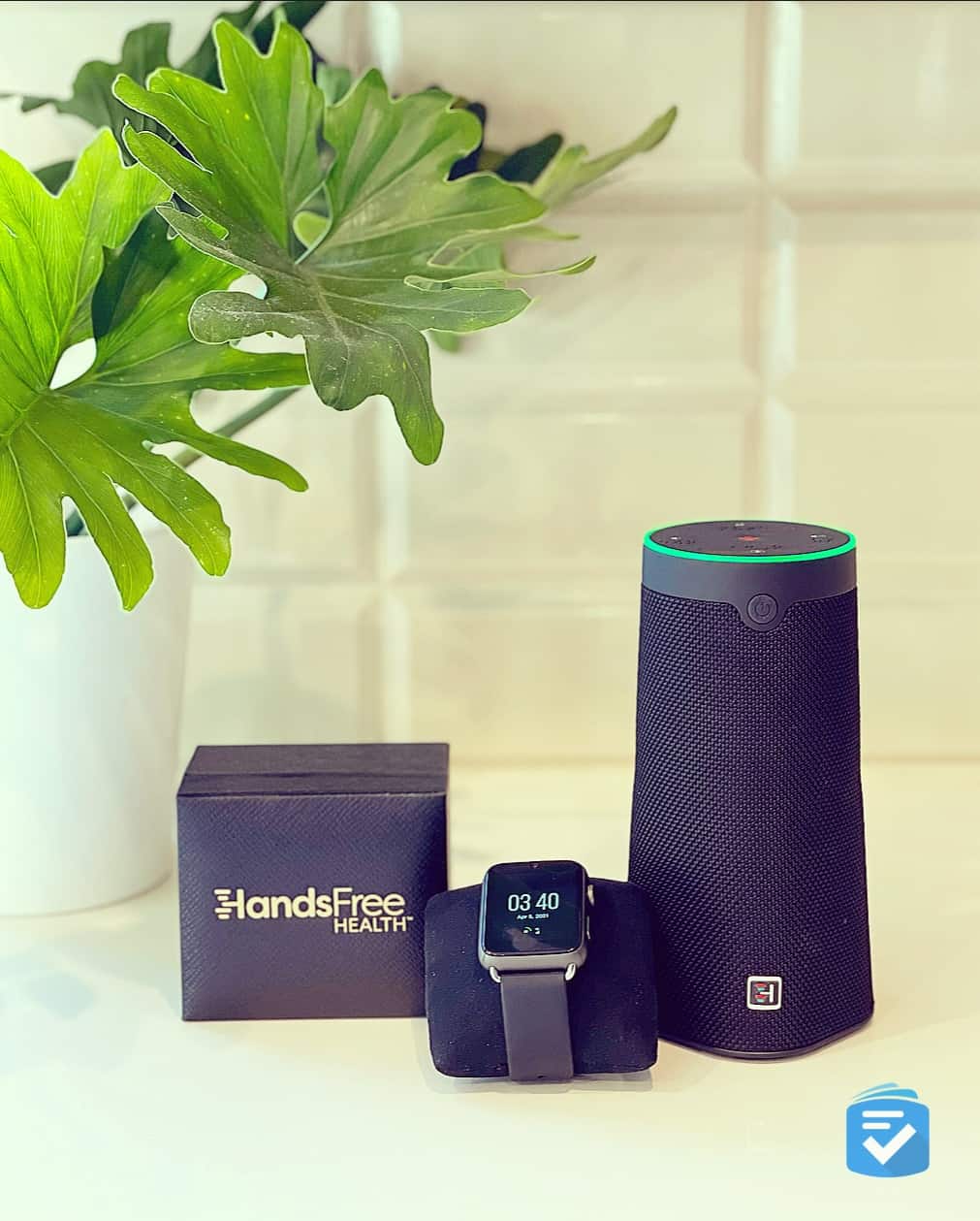
- Voice commands: Most medical alert systems rely on pushing buttons to make emergency calls, but some modern systems now support voice commands. Several newer devices — including some smartwatch-style systems — allow users to initiate an emergency call simply by speaking a trigger phrase, which can be a lifesaver for those with limited mobility.
- Smartphone apps: Many medical alert systems can now pair with smartphones. The system’s user does not necessarily need a smartphone; rather, caregivers and loved ones can download an app to receive help notifications, set a care schedule, or even monitor a system’s battery life.
- Motion sensors: Whether they’re tucked away in the base station or built into the help button, motion sensors can track your movement and alert the monitoring center if your system goes for a length of time without detecting movement.
- Risk-free trials: Since there is no one-size-fits-all solution for medical alert systems, I recommend choosing a provider that offers a risk-free trial period. Most providers allow at least 30 days, during which you may return your equipment for a full refund.
Hands-On Medical Alert Reviews
- Active Guardian Review April 16, 2026
- ADT Medical Alert Review April 30, 2026
- Bay Alarm Medical Review 2026 August 14, 2026
- Medical Guardian MGMove Watch Review October 15, 2025
- Lively Medical Alert Review May 5, 2026
- Life Alert Review December 19, 2025
- LifeFone Review December 6, 2025
- Medical Guardian Review 2026 August 25, 2026
- MobileHelp Review August 12, 2026
- Lifeline Review April 23, 2026
- ResponseNow Review December 11, 2025
Our team performs thorough, hands-on tests of each system, evaluating device quality, real-world performance, and the overall customer service experience. If you have a particular company in mind, then I'd recommend looking at our detailed reviews.
How to Buy a Medical Alert System
Most medical alert systems can be purchased either over the phone or through a company’s website. Before purchasing a system, it’s important to know what goes into the price you’re charged.
Medicare won’t cover your medical alert system, but there are other ways, such as insurance and Medicaid, to offset some of the costs.
Purchasing vs. Leasing
In most cases, medical alert companies will not require you to purchase their equipment. They’ll instead charge you a monthly rate that includes the cost of both leasing the system and professional monitoring. When you lease equipment, you typically won’t have to worry about breakage or repairs since the company will simply send you new equipment if yours malfunctions or gets damaged.
Some companies, however, either require or allow you to purchase your system up front. That will bring down your monthly costs, but it also means a provider will repair or replace your equipment only for the duration of its warranty. Smartwatch and Bluetooth medical alert systems usually must be purchased.
Monthly Monitoring Charges
All medical alert systems require a monthly charge for professional monitoring. If you lease your equipment, both the equipment costs and monitoring charges will be lumped into one payment. Monitoring costs typically range from about $20 to $60 per month, but discounts are often available for annual — as opposed to monthly — payments.
Some medical alert companies offer different tiers of monitoring. Lively Mobile2, for example, offers more than one service plan at different price points. The most basic option connects you directly to the company's monitoring center, while their higher-tier plan adds features like fall detection, a nurse hotline, and a caregiver portal.
Medical Alert Systems and Pricing
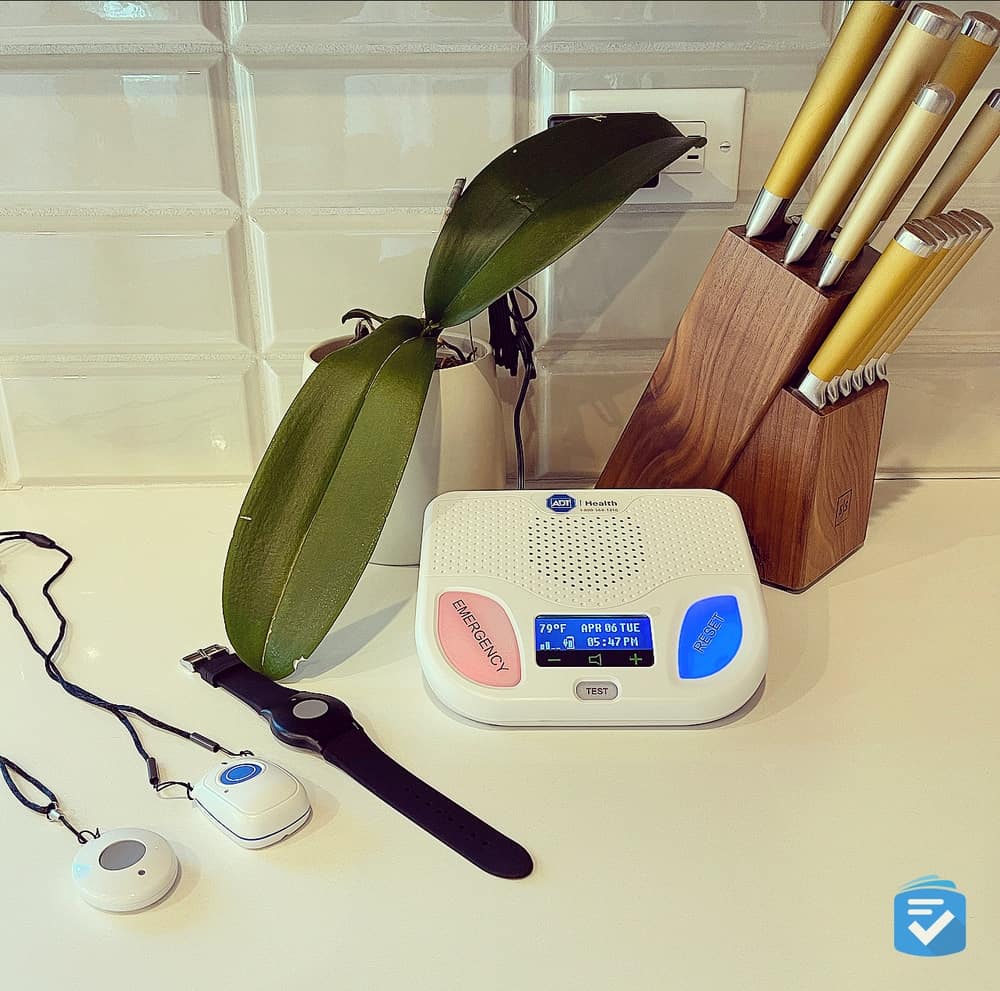
- ADT Systems and Pricing August 12, 2026
- Bay Alarm Medical Systems and Pricing February 28, 2026
- Life Alert Systems and Pricing December 19, 2025
- Lively Systems and Pricing February 10, 2026
- Medical Guardian Systems and Pricing August 25, 2026
- MobileHelp Systems and Pricing August 12, 2026
- Lifeline Systems and Pricing April 23, 2026
Some companies are transparent about their products’ costs, but that’s not always the case. To save you time, we’ve compiled detailed pricing and device information on all the best medical alert providers.
Compare Medical Alert Systems
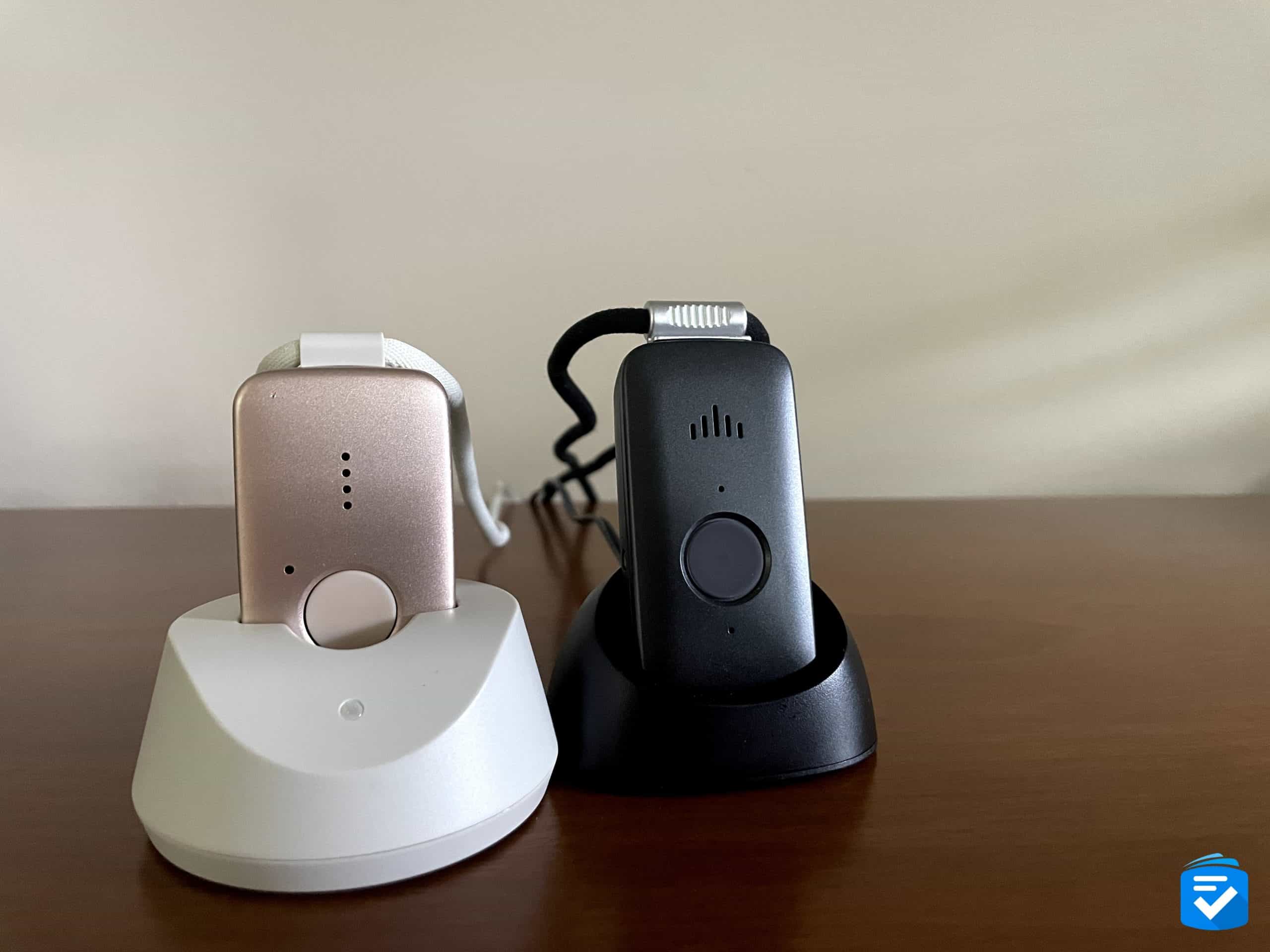
- Medical Guardian vs. Bay Alarm Medical January 6, 2026
- Life Alert vs. Medical Guardian: a Hands-On Comparison May 15, 2025
- Life Alert vs. Medical Alert April 23, 2026
- Bay Alarm Medical vs Life Alert November 25, 2025
- MobileHelp vs. Medical Guardian August 12, 2026
- MobileHelp vs Bay Alarm Medical August 12, 2026
- Medical Guardian vs. LifeFone November 24, 2025
- Life Alert vs. Lifeline April 23, 2026
- Apple Watch vs. Medical Alert Systems February 18, 2026
Finding the right medical alert system doesn’t have to be a hassle. Our side-by-side comparisons of top providers give you all the information you need to choose with confidence.
9 Questions to Ask Before Purchasing a Medical Alert System
As you begin your search for the ideal medical alert system, keep in mind the following questions:
- Do you spend most of your time at home, or do you frequently find yourself out and about? Your activity level determines whether an in-home system (best for those at home most of the day) or a mobile GPS system (best for active seniors) is the right fit — and the two categories differ significantly in price and features.
- Do you have a landline, or do you require a cellular system? Landline systems are typically $5–$10 cheaper per month, but a cellular system is essential if you don't have an active landline or want coverage that extends beyond your home's walls.
- Do you prefer wearing a help button as a pendant or as a wristband? Wearing comfort directly affects whether a user will actually keep the device on — a help button that goes unworn is useless in an emergency, so choosing a style the person genuinely finds comfortable is critical.
- How large is your home, and will a system's range cover you in every room? In-home systems communicate between the help button and the base station via radio frequency, and range varies widely by provider; a system with insufficient range may leave a user unprotected in a garage, yard, or basement.
- Are you prone to falls, and will automatic fall detection come in handy? Fall detection can trigger an emergency alert even if the user is unconscious or too disoriented to press the button — making it especially valuable for those with mobility issues, a history of falls, or who live alone.
- Do you live alone, or would a spouse or roommate require an additional help button? Adding a second user to a system is far less expensive than purchasing a second subscription, but not all providers support multi-user setups, so confirming this upfront can save significant cost.
- Do you need only emergency monitoring, or would you prefer a system that can also put you in contact with loved ones? Many systems now include caregiver apps, two-way messaging, and real-time location tracking — features that go beyond emergency response and can provide daily peace of mind for families caring for a loved one remotely.
- Does the system automatically test itself to ensure proper function? A system that self-tests at regular intervals ensures the device and its cellular or landline connection are working before an emergency occurs, reducing the risk of equipment failure at a critical moment.
- If you don't like your system, can you return it for a refund? A risk-free trial period (typically 30 days) protects you financially if the system doesn't meet your needs — and the absence of one is a red flag that the provider may not be confident in their equipment.
Pro Tip: Many providers will offer you discounted rates for signing an annual service agreement, but you should be wary of any medical alert provider that requires you to lock into a long-term contract.
Frequently Asked Questions
-
Do medical alert systems require Wi-Fi?
No, most medical alert systems do not require Wi-Fi. The majority of top-rated systems operate on cellular networks (typically AT&T or Verizon) or landline connections; Wi-Fi is only required by a small number of newer smart-home-style devices.
-
Are medical alert systems tax-deductible?
Medical alert systems may be tax-deductible as a medical expense if a doctor has prescribed or recommended the device for a diagnosed medical condition. To claim the deduction, total unreimbursed medical expenses must exceed 7.5% of your adjusted gross income — consult a tax professional to confirm eligibility for your specific situation.
-
Can medical alert systems work outside the United States?
Most medical alert systems are designed to work on domestic cellular networks and will not function reliably outside the United States. If international coverage is needed, check with your specific provider before traveling, as options are limited.
-
How long do medical alert system batteries last?
Battery life varies by device type. In-home system base stations typically include a backup battery lasting 24–32 hours in the event of a power outage, while mobile and wearable devices generally require recharging every one to three days.
-
Is there a medical alert system with no monthly fee?
Yes, some Bluetooth-based medical alert systems have no monthly monitoring fee because they contact a caregiver’s smartphone directly rather than connecting to a professional monitoring center. However, systems with no monthly fee do not provide access to trained 24/7 emergency agents, which is a significant trade-off.